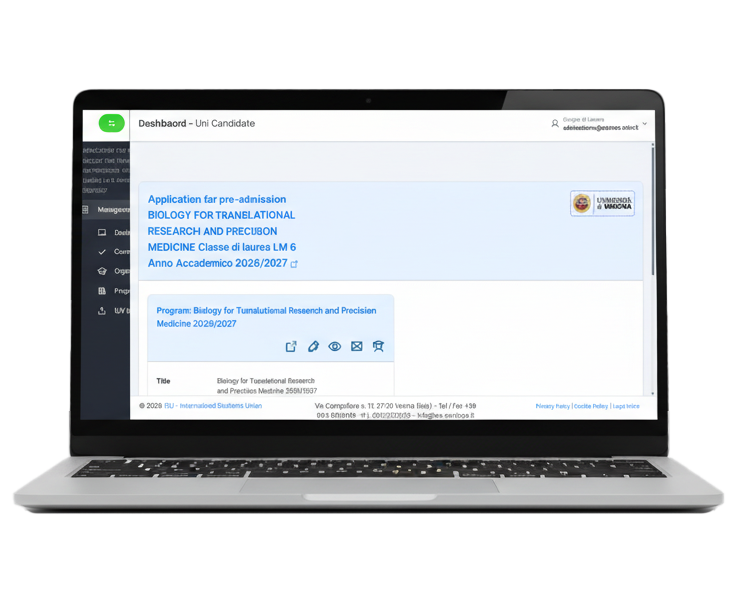
Visual call editor
Create custom forms, sections and fields without touching any code.
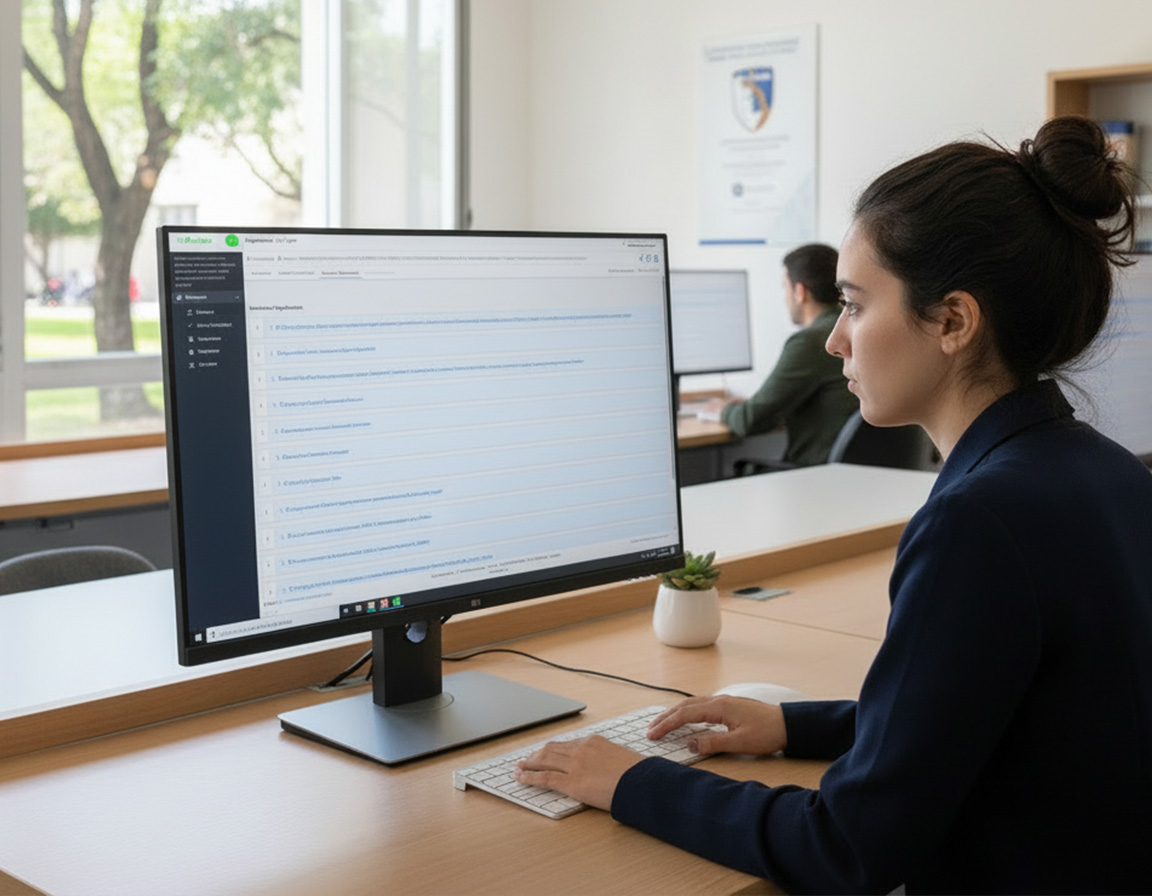
Configure calls, manage applications and evaluations, automate communications and integrate UniCandidate with your systems.
Configure each call with the fields, documents and deadlines the procedure requires.
Create custom forms, sections and fields without touching any code.
Define the documentation required and automatically check that each application is complete.
Manage openings, closings and extensions according to the needs of each call.
Let candidates apply from any device and, where required, in more than one language.
Organise the reviewers' work and track every application through to the final decision.
See progress, evaluations and how complete each application is.
Each reviewer accesses the applications and information they are responsible for.
Run individual or collegial evaluations against shared criteria.
Make applications, documents and information available in an orderly, immediately readable form.
Manage communications with candidates directly from the selection process.
Send confirmations and updates based on the status of the application.
Use configurable templates for the different stages of the selection.
Flag missing documents, additions and deadlines.
Send messages to individual candidates or selected groups.
Technology supports the evaluation.
The committee decides.
UniCandidate does not replace the committee: it provides tools to consult, organise and analyse information more easily. Criteria, scores and outcomes remain the responsibility of those who evaluate.
Find applications and documents across the calls managed on the platform.
Reach the information held in the documentation without scrolling through all of it.
Compare applications and documents against the criteria set by the committee.
Automated tools assign no outcomes: the evaluation remains with the reviewers.
Roles, permissions and activity history across the whole selection process.
Define which information and features are available to each profile.
Keep an orderly history of operations and of how each application progresses.
Data and attachments travel over an encrypted connection and are stored in line with personal data protection regulations.
Regular backups and service monitoring to keep the platform available even at peak times.
Connect UniCandidate to existing systems and take your data where it's needed.
Export applications and data in the most widely used formats.
Integrate UniCandidate with external applications and services.
Connect records and information to the systems the institution already uses.
Generate documents and reports ready to share and to support the committee's work.


Tell us how you run your selections. We’ll show you how to turn them into a digital workflow.
Request a demo